Decoding QR Error Correction: Why Variable Data Density Matters
Executive Summary
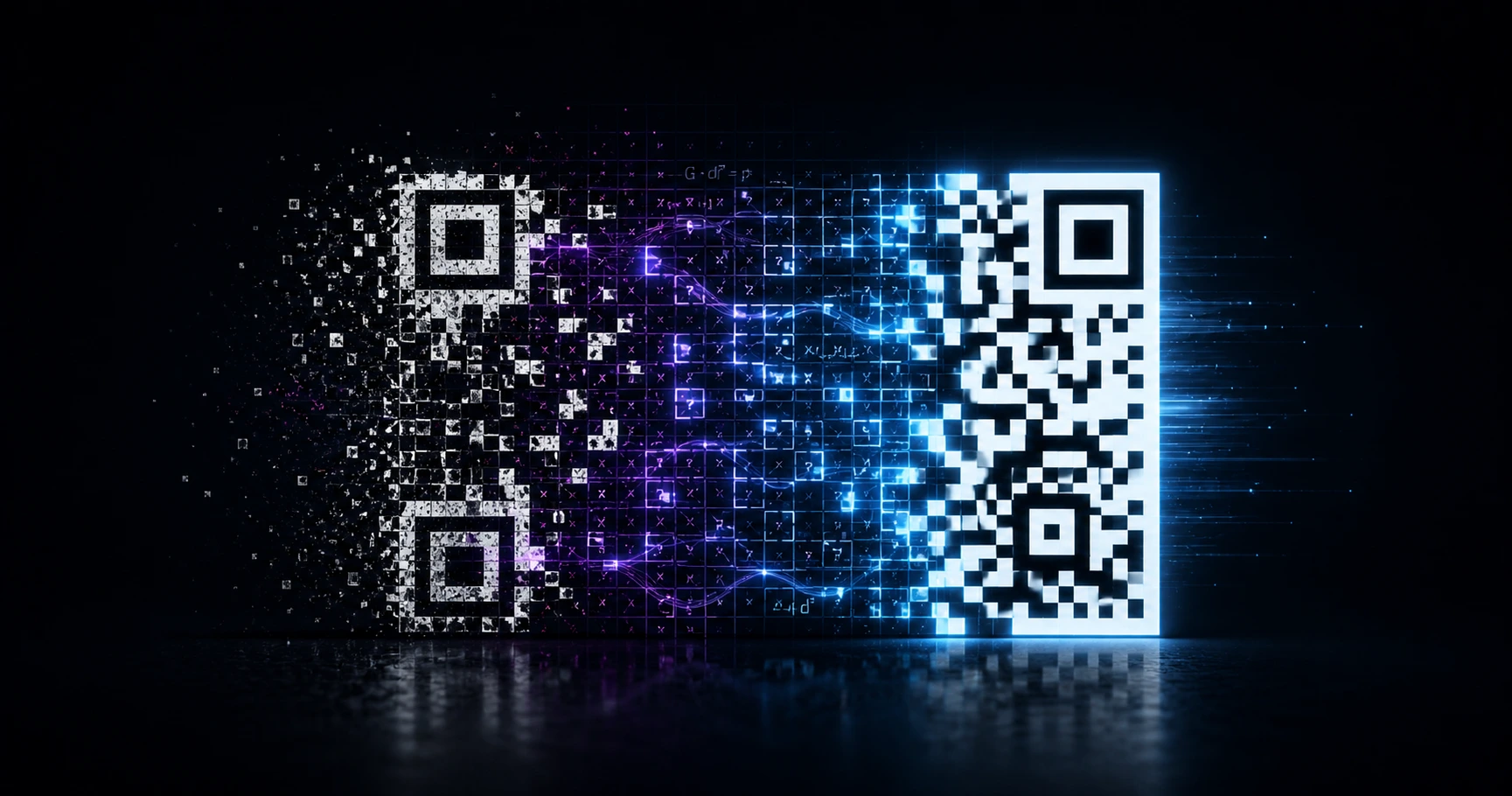
QR codes use mathematical error correction to remain scannable even if the physical print is damaged, scratched, or partially obscured. By controlling the variable data density, marketers can optimize the exact balance between maximum damage recovery and a clean, minimalist design for their specific deployment environment.
What is QR Error Correction?
Error correction is an algorithm built into the QR matrix that duplicates data, allowing the code to be read even if parts of it are destroyed. When a code is placed in the real world, it faces physical threats: severe weather, scratches, accidental tearing, and vandalism. Error correction ensures that the smartphone camera can still reconstruct the destination URL by relying on the redundant data embedded within the remaining intact modules. Without this mathematical failsafe, a single scuff mark could render an entire marketing campaign unscannable.
The Trade-Off: Density vs. Complexity
Increasing the error correction level makes the code more resilient, but it comes at a cost: structural complexity. Higher recovery levels require more data modules (the black and white squares), which tightly packs the grid. A high-density grid is incredibly robust but can be harder for low-quality smartphone cameras to scan from a distance or when printed on a very small surface area. Conversely, a lower density grid looks clean, minimalist, and scans rapidly from afar, but offers minimal protection against physical wear.
Matching Density to Your Physical Deployment
Selecting the correct level depends entirely on where the code will live. For a digital screen or a pristine magazine ad, a Low (7%) or Medium (15%) setting provides a sleek aesthetic and rapid scanning. However, for codes placed in high-touch retail environments or subjected to environmental wear, upgrading to Quartile (25%) or High (30%) density is necessary to guarantee long-term scannability. QRhub's Premium Pro tier gives users explicit control over this variable data density, ensuring the physical barcode is perfectly calibrated for its real-world destination.
Why Vector Scaling Becomes Mandatory
As you increase data density for maximum damage recovery, the individual modules within the matrix shrink to fit the same footprint. If printed using standard raster images (like JPEGs), these tightly packed squares will bleed together and pixelate, instantly destroying the code's utility. This is why utilizing high-resolution SVG exports becomes absolutely mandatory. QRhub provides a premium 8-piece high-resolution export kit with every generation, guaranteeing that even the highest-density matrices print with mathematical perfection, regardless of the physical scale.
Explore the Production Cluster

Try QRhub for free
Generate a professional-grade QR code with zero signup and zero funny business. Every generation includes our premium 8-piece high-resolution kit.
Related Questions
What happens if my QR code gets scratched or ripped?
If your code was generated with a high error correction level (such as 30%), it can sustain significant physical damage and still scan perfectly. The scanning algorithm rebuilds the missing data using the redundant modules encoded into the grid. QRhub's Premium Pro features allow you to select this high-density setting for maximum durability.
Why does my QR code look so dense and cluttered?
A dense, cluttered appearance means the code is utilizing a high error correction level, packing more data modules into the grid to provide maximum damage recovery. If the code is intended for a safe, digital environment, you can use QRhub to lower the data density, resulting in a cleaner, more minimalist matrix that is easier for cameras to focus on from a distance.