The Technical Case for Vector QR: Why SVG Matters for Print
Executive Summary
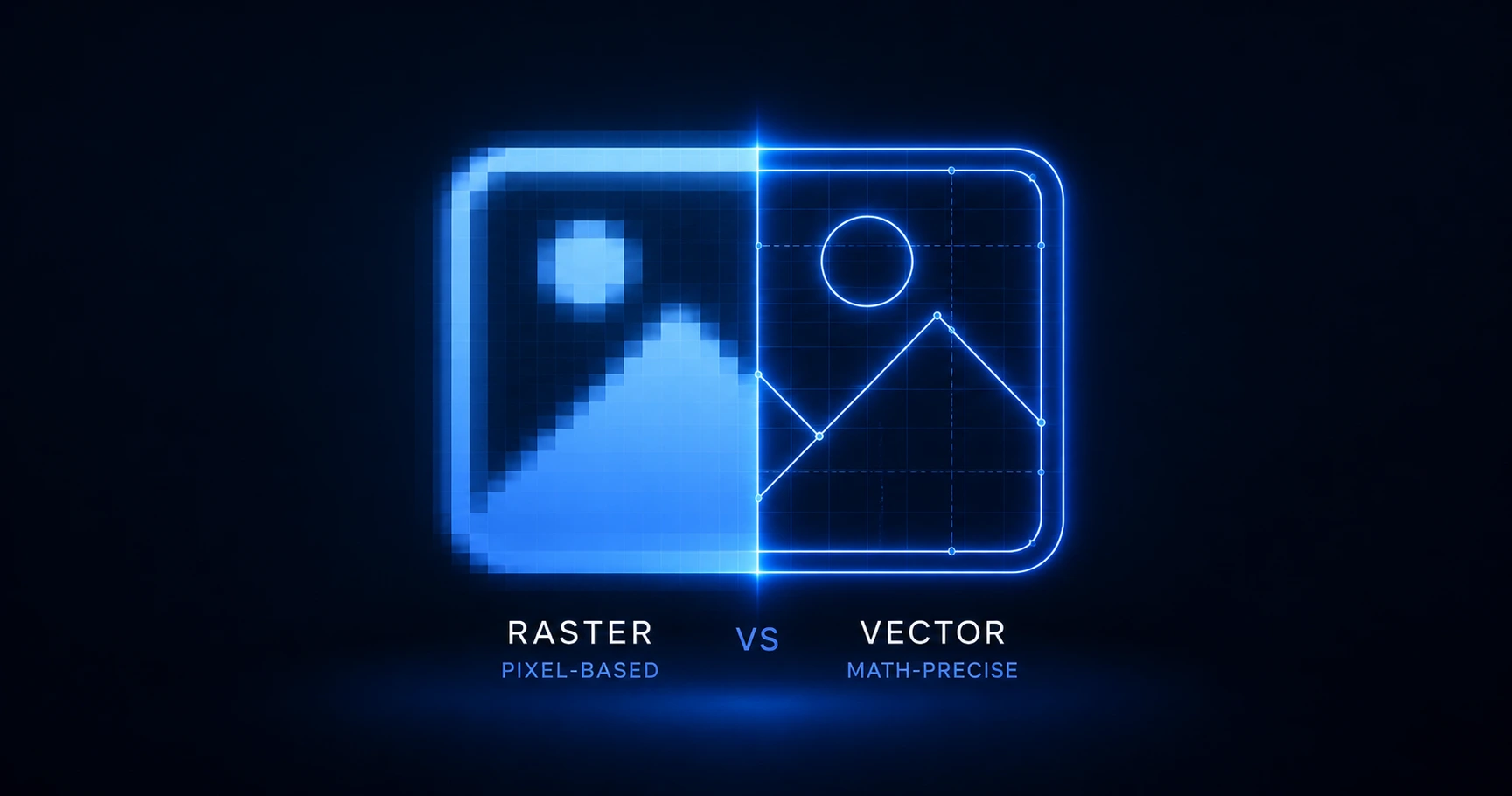
Relying on standard raster images for physical QR deployment often leads to pixelation and scan failure when scaled. By utilizing vector math formats like SVG, developers and designers ensure that the structural integrity of the QR matrix remains mathematically flawless, whether printed on a business card or a billboard.
Pixelation vs. Precision: The Downside of Raster QR Codes
A raster image, such as a JPEG or standard PNG, is constructed from a fixed grid of colored pixels. When you generate a basic QR code on a free website and "right-click to save," you are typically downloading a low-resolution raster file. This file is perfectly adequate for display on a standard digital screen. However, when a designer attempts to enlarge this grid for print—such as for a window decal or a product box—the image editing software must "guess" the missing pixels. This interpolation blurs the sharp edges of the QR matrix's positional "eyes" and timing patterns. A smartphone camera relies on high-contrast, razor-sharp edges to decode the matrix rapidly. If those edges are blurred by raster pixelation, the error correction fails, and the scan is abandoned.
Scaling Without Distortion: The Math Behind SVG
To solve the scaling problem inherent in physical production, professionals rely on Scalable Vector Graphics (SVG). Unlike a grid of pixels, an SVG file stores the QR code as mathematical instructions—points, lines, curves, and shapes. When an SVG is scaled up to fit a massive billboard, the computer simply recalculates the math. The resulting image maintains absolute, infinite sharpness because there are no pixels to stretch. By providing vector exports, designers guarantee that the structural integrity of the barcode is never compromised by the dimensions of the physical medium, which also serves as a frontline defense against QR phishing and visual tampering.
The 8-Piece Export Kit: Standardizing Your Pipeline
A professional digital-to-physical bridge requires flexibility. A marketing campaign might require an SVG for large-format printing, a transparent PNG for digital overlay, and specific resolutions for social media headers. Generating a single image type creates bottlenecks in the production pipeline. QRhub eliminates this friction by standardizing the output: every single generation—even on the free tier—includes a premium 8-piece high-resolution export kit containing both SVG and PNG formats. This ensures that whether the code is being embedded in a high-end physical brochure or a digital PDF, the designer has the exact mathematical or high-res raster format required for flawless execution.
Explore the Production Cluster

Try QRhub for free
Generate a professional-grade QR code with zero signup and zero funny business. Every generation includes our premium 8-piece high-resolution kit.
Related Questions
Why is my printed QR code blurry or unscannable?
Blurry QR codes usually result from printing a low-resolution raster image (like a basic JPEG or PNG) at a larger size than intended, causing pixelation. To ensure perfect scannability at any size, you must use a vector format like SVG. Every generation on QRhub includes a premium 8-piece high-resolution export kit containing SVG files to prevent this issue.
Can I use a PNG for printing if it is high resolution?
Yes, a high-resolution PNG can be printed successfully if it matches the exact physical dimensions required without scaling. However, scaling a PNG up will degrade its quality. This is why QRhub's 8-piece export kit provides both print-ready SVGs for infinite scaling and high-resolution PNGs for precise digital placement.