Surface Physics & QR Reliability: Navigating Texture, Glare, and Curvature
Executive Summary
Successfully deploying physical QR codes requires understanding the surface physics of the printed medium. Ignoring how light interacts with glossy textures or how curvature distorts geometric matrices will result in scan abandonment, regardless of your digital backend's redirect speed.
The Impact of Glossy Finishes and Glare
Highly reflective surfaces are the leading physical cause of scan failure in retail environments. When bright overhead store lighting hits a glossy label or laminated display, it creates specular highlights—intense spots of glare. This glare acts as a localized blinding flash for a smartphone camera, washing out the necessary contrast between the dark data modules and the light background of the QR code. If the camera cannot distinguish the distinct edges of the positional squares, the decoding algorithm fails instantly. To mitigate this, physical assets should ideally utilize matte finishes for the code's specific print zone.
Navigating Curvature on Packaging
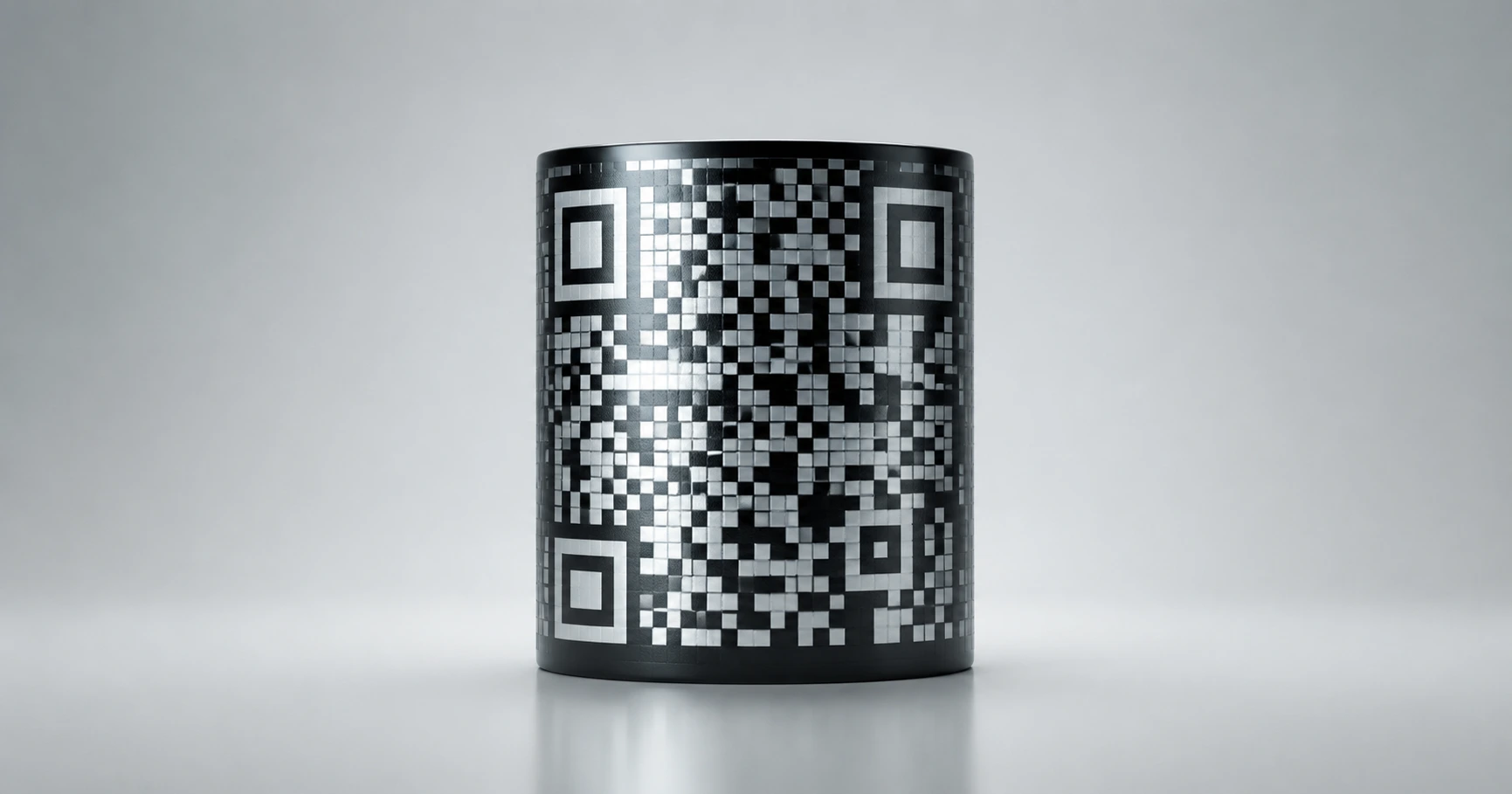
A matrix barcode is inherently a two-dimensional, flat geometric puzzle. Applying this flat geometry to a cylindrical object, such as a beverage can or cosmetic bottle, introduces optical distortion. If the code wraps too far around the curve, the outer positional "eyes" slope away from the camera lens. The scanner perceives this as perspective distortion and cannot lock onto the grid. To ensure reliability on curved surfaces, the code must be scaled down so that its entirety falls within the camera's flat field of view. Because scaling down requires absolute edge precision to remain scannable, using the 8-piece high-resolution SVG export kit from QRhub is mandatory for curved packaging deployments.
Texture, Contrast, and Environmental Wear
Beyond light reflection and geometry, the physical texture of the print medium dictates long-term reliability. Printing on highly porous paper or rough corrugated cardboard can cause ink bleed, where the dark modules spread into the required white "Quiet Zone" margins. Similarly, codes placed in outdoor environments or high-touch areas are subject to physical degradation. If a module is scratched or faded, the error correction level must compensate. By utilizing QRhub's Premium Pro tier, designers can explicitly control the error correction payload and variable data density to maximize scannability, ensuring that even if a physical label suffers minor environmental wear, the Global Edge Infrastructure behind the code remains instantly accessible.
Explore the Production Cluster

Try QRhub for free
Generate a professional-grade QR code with zero signup and zero funny business. Every generation includes our premium 8-piece high-resolution kit.
Related Questions
Why won't my QR code scan on my glossy product packaging?
Glossy finishes create glare that blinds smartphone cameras, washing out the contrast of the QR matrix. To fix this, ensure the QR code is printed on a matte background or utilize QRhub's dynamic styling to adjust contrast for highly reflective surfaces.
Can I put a QR code on a round bottle or can?
Yes, but placing a standard square QR code on a highly curved surface distorts the positional eyes, causing scan failure. You must size the code so it fits entirely within the camera's flat field of view, utilizing high-resolution SVG exports from QRhub to maintain crisp edges at smaller dimensions.